 UISandbox
daisyUI theme editor
Component classes on top of Tailwind: no JavaScript, and it works in any framework. UISandbox builds daisyUI 5.7.21 from its own package and opens it in the editor: seven screens in daisyUI's own components and its own defaults. Turn the brand, the type, the spacing and the corners, and every component follows. Nothing to install, nothing uploaded.
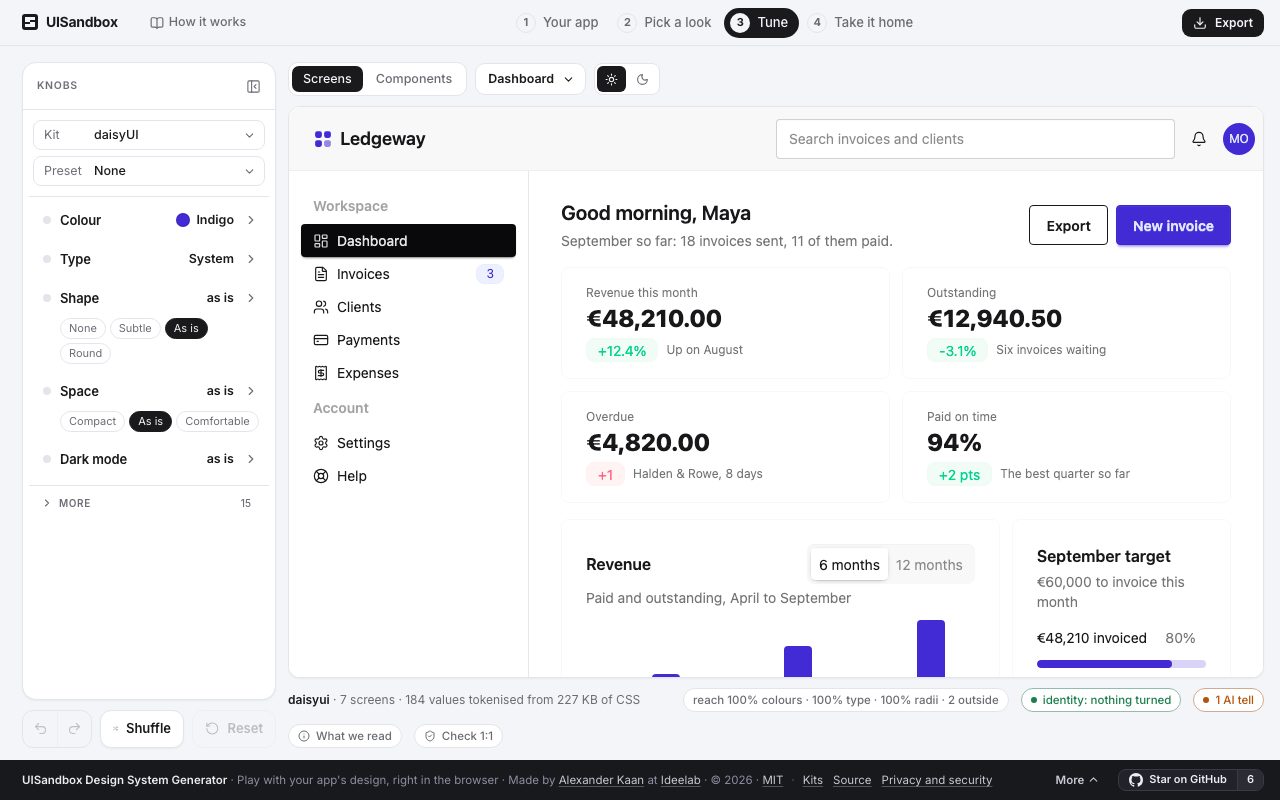
What is read from daisyUI
- Version
- 5.7.21
- Licence
- MIT
- Package
- daisyui
- Runs in
- any page, no framework asked
- Variables
- 28 in its light mode, and its own dark mode, read from its package
- Brand as it ships
#422ad5- Corners
8px
What you take with you
Export writes daisyUI's design system in daisyUI's own names, starting from what you see:
theme.css: the variables, in daisyUI's own names, as the knobs left theminstall.md: where each file goes, step by stepMANIFEST.md: what could not be done, said rather than substitutedDESIGN.md: the design system for people and agents: colours, type, spacing, what each is for.claude/skills/design-system/SKILL.md: for Claude Code, Cursor or Codex: build the next screen in daisyUI's own classestokens.json: W3C design tokens, which Tokens Studio and Figma variables import
On your own app
If your app runs on daisyUI, the sandbox recognises it from the rendered page and writes the design system in daisyUI's names from your app's own values. What you turned on the kit comes with you. The quickest way in is the one where nothing leaves your machine: run npx uisandbox-mcp open in your project, or ask your agent to "open this app in UISandbox". How it works.